How do I add someone to my crew?
Tap Add at the end of the faces on Home, type their first name, and send them their link from your own phone.
- On Home, tap Add after the faces. (In Settings, it's Add someone.)
- Type their first name. They get a face right away: tap it for another look.
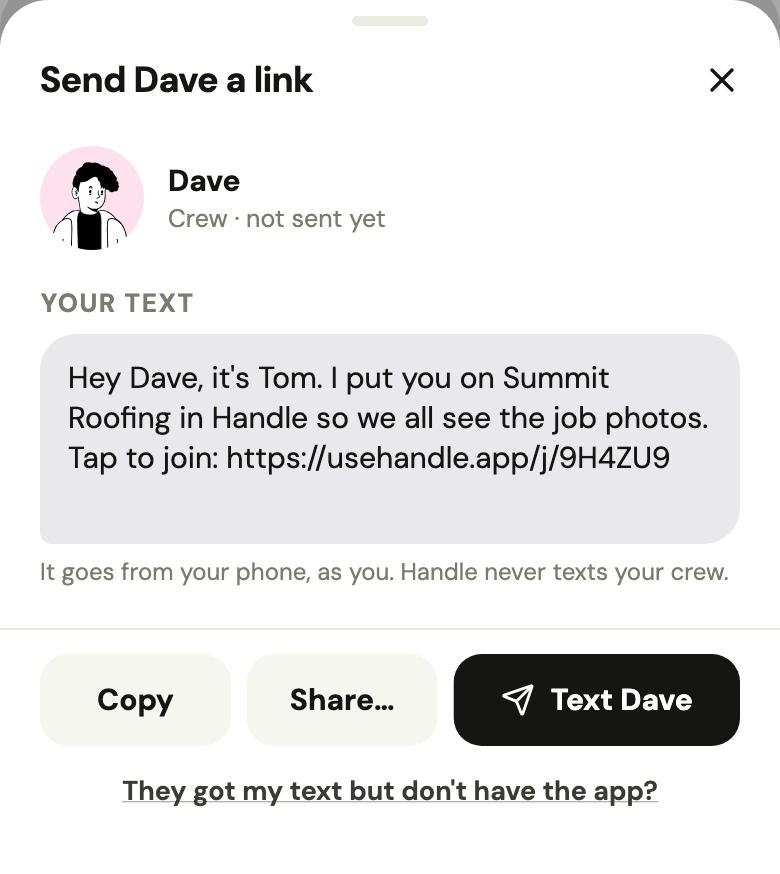
- Tap Text to send the link as a text from your phone, or use Share… or Copy. In Settings, their name says where it is: Sent, Opened, then Joined.
Handle never texts anyone: the link goes from you. Each person gets their own link, one text each: it opens on their name, works once and lasts a week. They join with one tap, no password. If theirs runs out, it says Expired, and sending it again sends a new one.
Did this help?