How do I make a before and after?
Open the photo from before, tap Take after, and line the new photo up with the before you see over the camera.
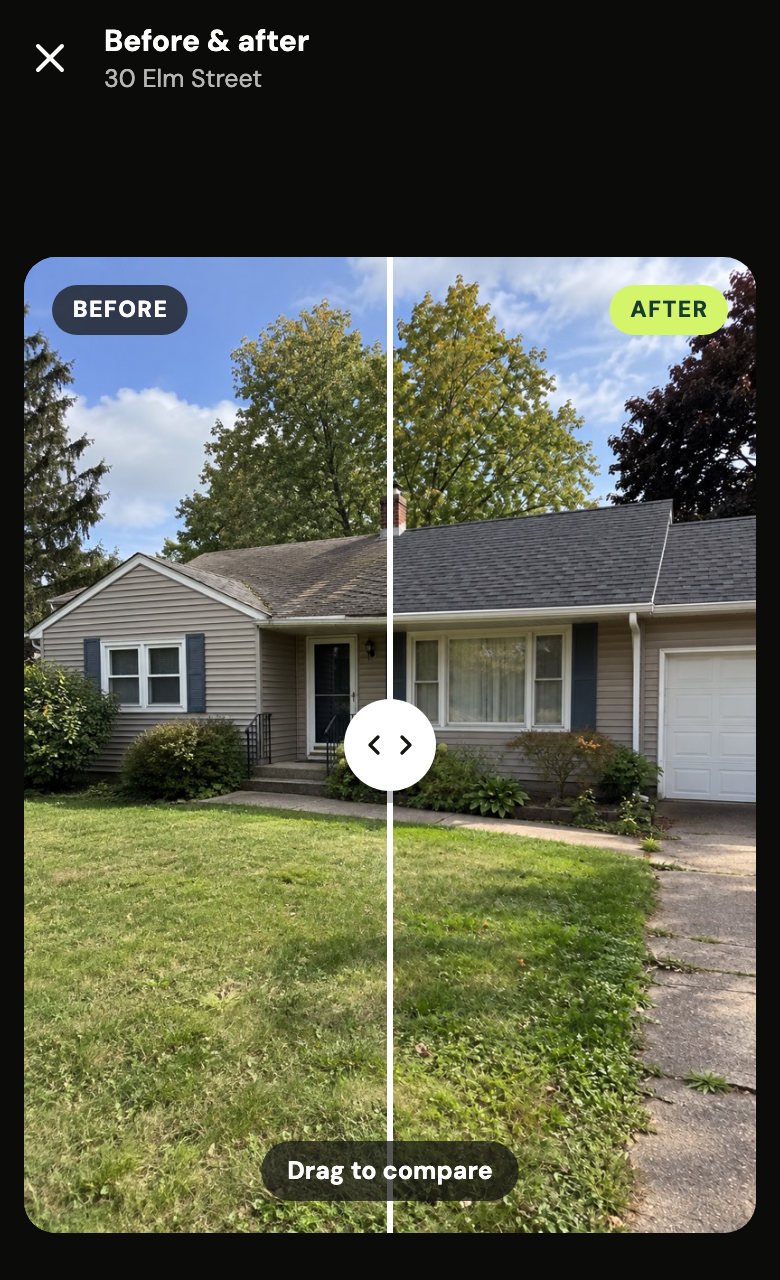
- Open the before photo and tap Take after.
- Line it up with the faint before on the screen, take the photo, then tap Next and Post.
- The pair is on the same job. Open it to drag between before and after, or tap Send photo to send both as one picture.
It works on any photo, from any day, for anyone on the crew.
Did this help?