How do I delete my account?
Open Settings from the gear on Home and tap Delete account.
- On Home, tap the gear at the top right.
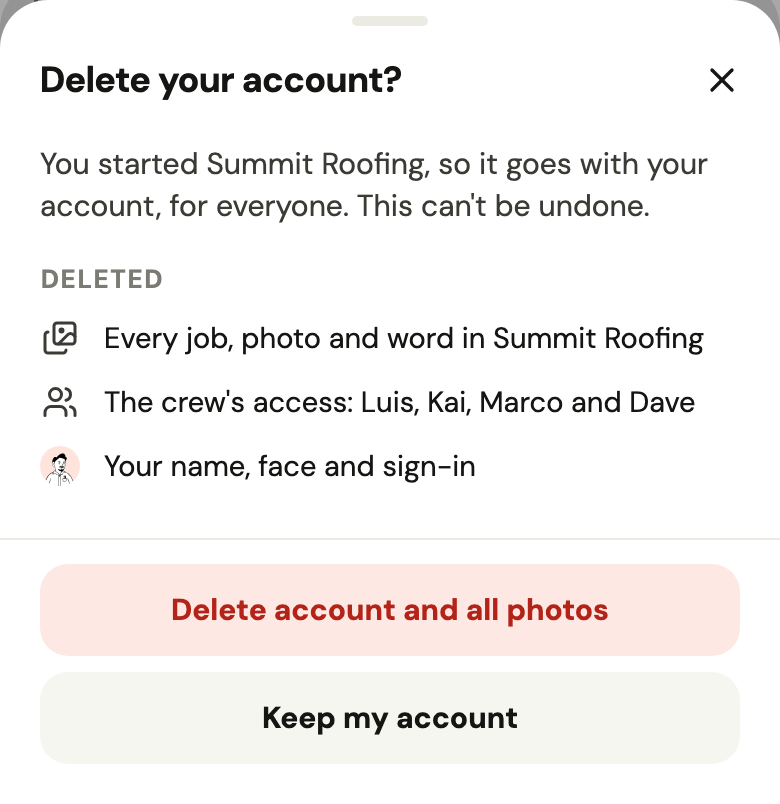
- Tap Delete account and read what goes and what stays.
- Confirm. You're signed out, back at the first screen.
If you're on someone's crew, your photos stay on the jobs as “Former member”. If you started the business, it goes for everyone, with every job and photo. Without the app: usehandle.app/delete-account.
Did this help?