How does a photo end up on the right job?
The top of the camera says where your photos go: Adding to the job when Handle is sure, or Which job? when it isn't. Tap it to pick another.
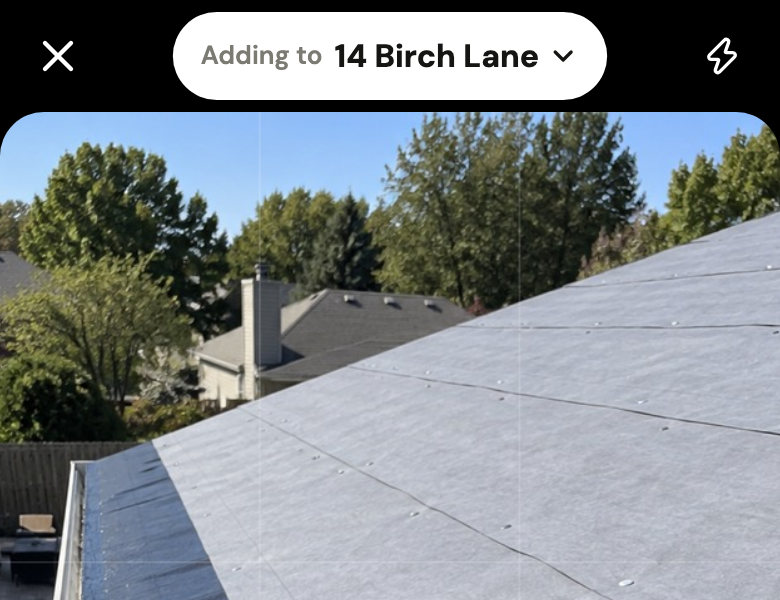
- From the job's page, the camera adds to that job.
- From Home, it picks the job only when it's sure you're there: you're at that job's address, or you just posted to it from the same spot. Otherwise you pick the job after the photos, before you tap Post.
- On the wrong job after all? Tap ⋯ on your photo, then Move to another job. It keeps its time.
Did this help?