How do I send a photo to a customer?
Open the photo and tap the share button at the bottom: Handle writes the time, who took it and your words on the photo, and you send it from your phone.
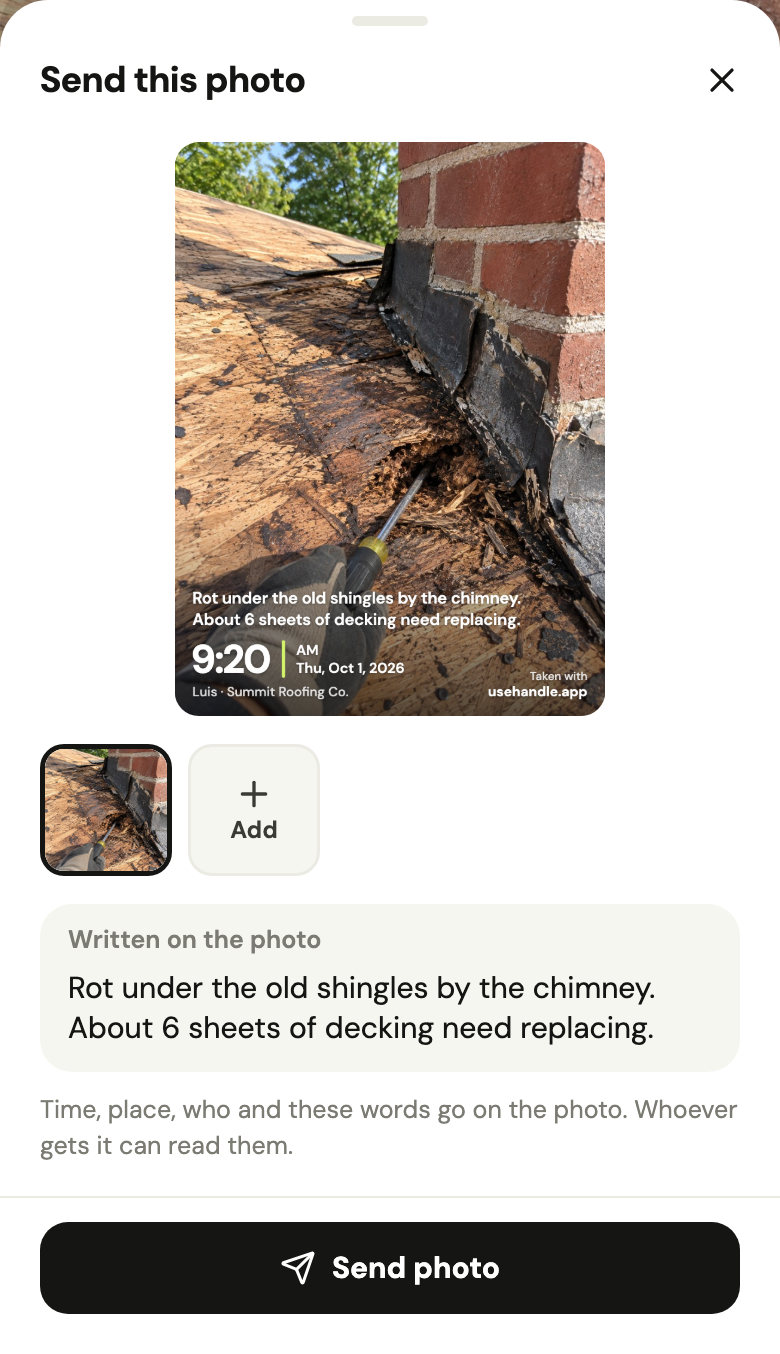
- Open the photo and tap the share button next to Take after.
- Type a few words to write on it if you like, or Add more photos from the job.
- Tap Send photo and pick how: a text, WhatsApp, email.
A photo taken at the job says so too. A before and after goes as one picture. Whoever gets it can read everything written on it.
Did this help?