Is Handle free? Yes, for your whole crew. Here's what's included
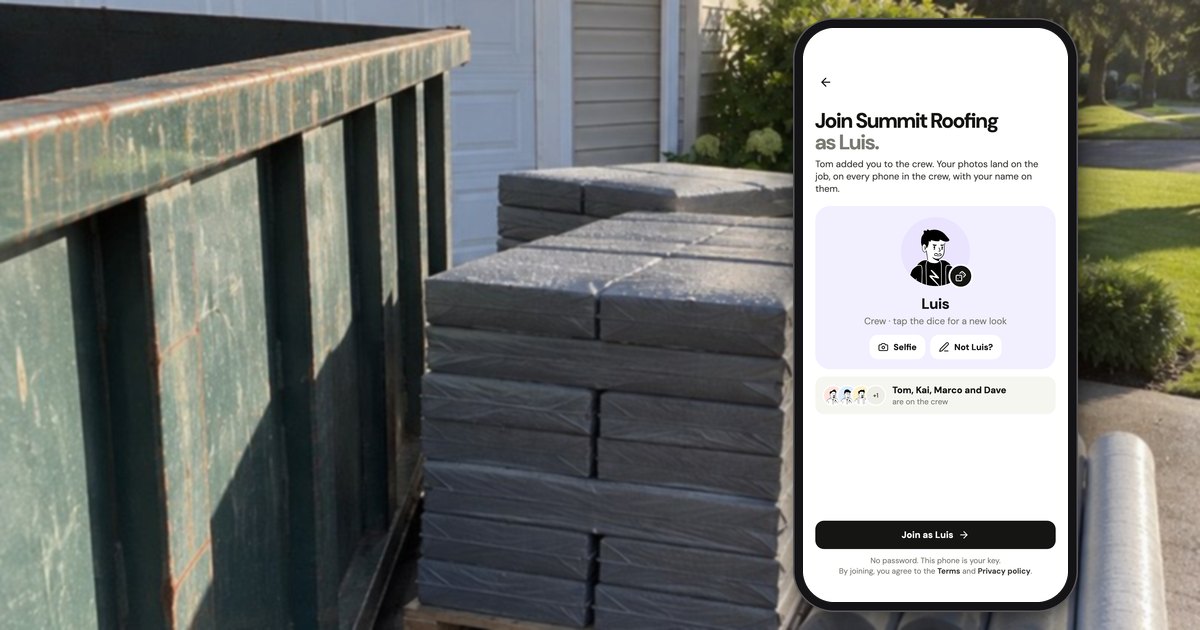
Yes. Handle (usehandle.app) is free for your whole crew: no trial, no card and no per-person fees. Handle is a free iPhone and Android app for small field crews: it keeps the crew's job photos, notes and voice notes together, job by job, on every phone in the crew. It isn't Handle.com (construction payment software) or Handle by Texada (a CRM for equipment dealers).
Is Handle really free, or does it end after a few weeks?
Handle is free with no end date: there is no trial, no card on file and no seat count. A new crew isn't paused after a set number of days, gets no trial emails, and finds no checkout in the app. The App Store lists Handle as Free (checked October 17, 2026).
That matters because "free" in this category usually means one of three other things:
| What "free" means | How it works | What to check |
|---|---|---|
| A free trial | The full product for a set time (14 days at CompanyCam, as of October 2026), then a paid plan | What happens to your photos when it ends |
| A capped free plan | Free up to a number of photos, projects or people | Which cap a working crew hits first |
| Free for the crew, owner pays | Crew members join free; the owner pays past a few jobs or projects | What the owner's plan costs |
| Handle | Free for the whole crew, with no seat count, no job count and no paid plan today | The technical limits below |
Of 657 public CompanyCam reviews that Handle collected and sorted by topic in September 2026 (App Store, Google Play, Capterra and Facebook, written 2017 to 2026), 43 complained about pushy sales, a price hidden until the trial ended, or canceling. So this page puts the trade-offs right next to the price.
What's included for free?
Handle includes everything in the released app, for the owner and the whole crew, at no charge: job photos, notes and voice notes, joining from a text, before and afters, marking up photos and sending stamped photos. There is no paid tier above it today. A few tools are the owner's, such as adding people and sending a whole job as a PDF.
Getting the crew on
- Start a crew with your business name, trade and logo; the owner signs in with an email and a code.
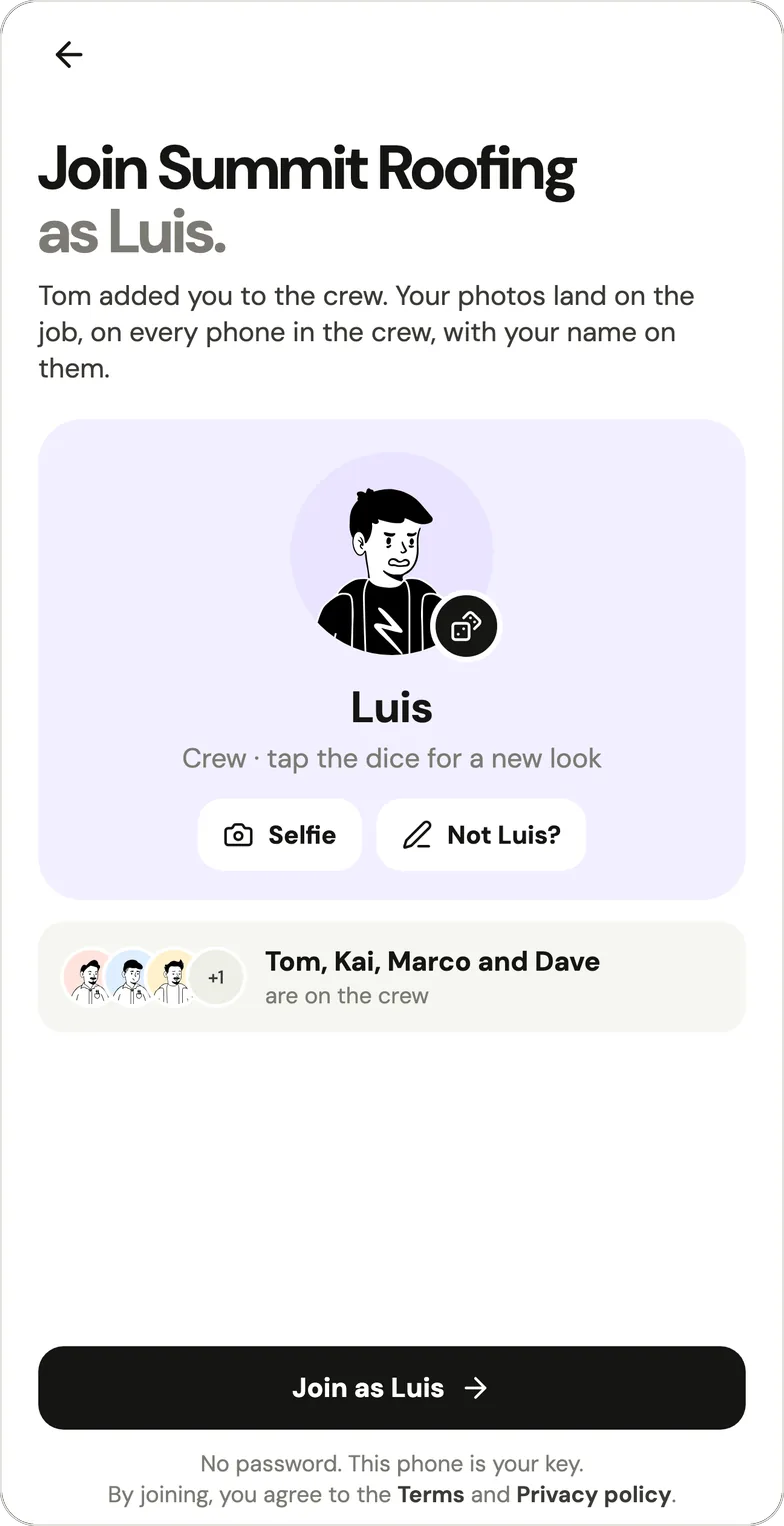
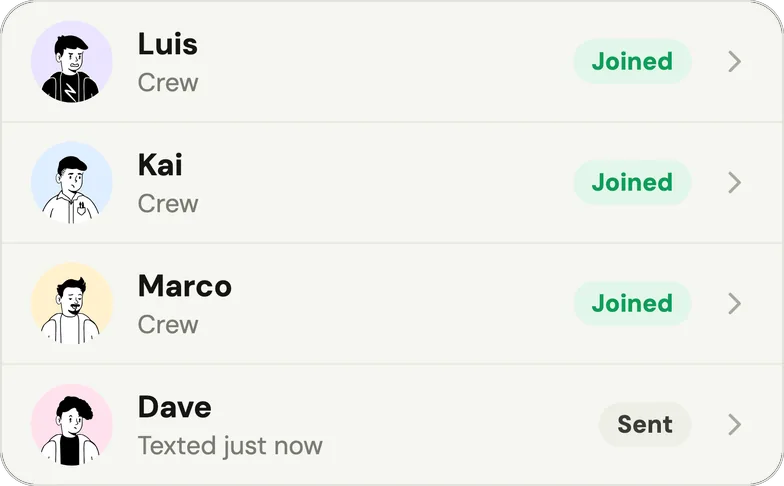
- Add someone by first name and text them their own link from your phone (Handle never texts anyone). They tap it and join with no password and no email; each link works once and lasts a week.
Photos on the right job
- Tap the lime +, take photos, add a few words if it helps, and post. The camera says where they go: Adding to the job when Handle is sure, Which job? when it isn't.
- The same + records a voice note (up to 2 minutes) or a text note. Everything lands on the job with your name, and the whole crew sees it.
- A photo taken with no signal waits on the phone, marked Waiting for signal, and goes up by itself once there's signal and Handle is open. On iPhone, if you swipe Handle away, it waits until you open Handle again.
Proof for the customer
- Take after on any photo shows the before faintly over the camera; the pair can be sent as one picture. See before and after photos customers trust.
- Send a photo from your own phone with a stamp: the time, who took it and your words, plus the job's address only when the photo was taken there.
- The owner can send the whole job as one PDF, starting with the before and afters.
- Circle and write on a photo to show the problem.
Seeing the work
- Home shows the crew's faces; a colored ring means that person posted something you haven't seen yet.
- Tap a face for that person's day, job by job. Jobs are Open or Finished, and a finished job can be reopened.
- Each person picks which notifications ping them.
Privacy
- A crew's photos are private to the crew. A customer sees a photo only when someone sends it.
- Location is saved only at the moment of a photo, voice note or note, while the app is open, and never in between.
Is there a limit on people or jobs?
Handle has no seat count, no job count and no per-person fee: a crew of 5 pays what a crew of 1 pays, which is nothing. The limits a crew will notice are technical, and they're the same for every crew:
| What | The limit |
|---|---|
| People on the crew | No seat count, no per-person fee |
| Jobs | No job count |
| A voice note | Up to 2 minutes |
| A text note | Up to 2,000 characters |
| A photo | Kept at up to 2,560 pixels on its long side |
| A join link | One person, works once, lasts a week |
| A deleted job | Stays in Recently deleted for 30 days, then it's gone |
| How long photos are kept | As long as the crew exists |
The terms also say Handle is provided "as is", doesn't promise "that every photo will upload", and ask you to "keep copies of photos you can't afford to lose."
What's the catch?
Handle has no trial and no fee waiting at the end of one; the catch is what Handle doesn't do: no scheduling, quotes, invoices or time tracking, no web app or iPad version, no customer link and no search. A crew owner should know these before moving the crew over:
- Phones, not iPads or computers. Handle runs on iPhone and Android phones; there's no iPad version and no web app.
- A photo and notes app, not an office. No scheduling, quotes, invoices, payments or time tracking (more below).
- No search, no chat. Photos, notes and voice notes are organized by job and by person.
- No customer link. You send photos and PDFs from your own phone; customers don't log in to anything.
- No bulk export. Photos leave Handle as sent photos or in a job's PDF; there's no download of everything at once.
How does Handle make money?
Handle charges nothing today: the app has no checkout and no in-app purchase, shows no ads, and Handle doesn't sell your data or use your photos, voice notes or words to train AI models (privacy policy, updated October 4, 2026). Handle may add optional paid tools later. The terms say that if it does, "you'll see the price and its terms before you buy, and nothing is charged unless the owner chooses to buy."
So under the current terms, Handle can't charge a crew unless the owner chooses to buy; there is no card on file to charge. Handle can change what's free, but only after telling the owner at least 30 days before.
Will Handle stay free?
Handle's written promise is a notice period: what you use for free today stays free unless Handle tells you at least 30 days before. That line is in the help center, and the terms say: "If we ever change what's free, we'll tell the owner at least 30 days before." They add: "If we ever shut Handle down, we'll tell you at least 30 days before."
A notice period isn't a promise that nothing will ever change. It's a written minimum warning before anything free does. The terms don't say what happens to a crew's photos if what's free changes. The privacy policy says they're kept as long as the crew exists, and Handle has no bulk export: photos leave as sent photos or in a job's PDF.
What does a crew of 1, 2, 3 or 5 pay?
On Handle, nothing, whatever the crew size. On job photo apps that charge per person, the bill grows with each crew member. Several of these apps have a capped free plan, shown in the first row; the rows below are what their paid plans cost once a crew outgrows it. Prices are from each company's own pricing page, as of October 17, 2026, in US dollars per month, billed monthly (the annual-billing price per month in brackets):
| Crew | Handle | CompanyCam | SiteCam Pro | Fieldwire Pro | Timemark Business |
|---|---|---|---|---|---|
| Free plan | The whole app | None (14-day trial) | 3 projects, 500 photos | Basic: 5 users, 3 projects | 100 photos, 3 projects |
| 1 person | Free | $79 ($63) | $29 ($26) | $54 ($39) | $7 ($5) |
| 2 people | Free | $113 ($92) | $58 ($52) | $108 ($78) | $14 ($10) |
| 3 people | Free | $149 ($119) | $87 ($78) | $162 ($117) | $21 ($15) |
| 5 people | Free | $217 ($177) | $145 ($130) | $270 ($195) | $35 ($25) |
CompanyCam's totals are from its own crew calculator (its Core plan covers 1 or 2 people; 3 or more need its Crew plan, which includes 3). The others are the per-user price times the crew. SiteCam mentions a discount for teams of 5 or more without an amount, and Timemark's annual price is $60 per user per year. A crew that stays inside a free plan's caps pays nothing on those apps either.
These tools do things Handle doesn't, such as a web app, reports and integrations, so the price buys something. For the full comparison, see Handle vs CompanyCam, what CompanyCam costs and CompanyCam alternatives for small crews.
Per-person pricing means deciding who gets the app. A CompanyCam customer who rated it 4 out of 5 and still pays for it wrote in an April 2025 Capterra review: "we don't buy seats for everyone, only those that really need it" (one of the 657 reviews above).
When is Handle not for you?
Handle isn't the right app if your crew needs scheduling, invoices, time tracking, a web dashboard or a link customers open: it keeps a crew's job photos, notes and voice notes together by job, and it doesn't do the office side.
| You need | Handle | What fits better (checked October 17, 2026) |
|---|---|---|
| Scheduling and dispatch | No | A field service tool such as Jobber or Housecall Pro |
| Quotes, invoices, payments | No | The same tools, or an invoicing app |
| Time tracking and timesheets | No | A time clock app such as ClockShark |
| A live link the customer can open | No | CompanyCam's Timeline and Gallery links |
| A web dashboard | No | CompanyCam, Fieldwire |
A crew can use Handle alongside one of these: the office tool for the schedule and the invoice, Handle for the photos from the job.
Which phones does Handle work on?
Handle runs on iPhone (iOS 15 or later) and on Android phones, free in the App Store and on Google Play. There's no iPad version and no web app, so everyone on the crew uses Handle on their phone.
Questions owners ask
Does Handle stop being free after 14 or 30 days?
No. Handle has no trial: no end date, no card and no per-person fee. New crews get no trial emails, and the app has no checkout.
Do my crew members pay anything or need to sign up?
No. The owner adds each person by first name and texts them their own link from the owner's phone. They tap it and join with no password and no email, and they pay nothing. See how to add someone.
What's the catch?
There's no fee waiting at the end of a trial, because Handle has no trial. The catch is what Handle doesn't do: no scheduling, quotes, invoices or time tracking, no web app or iPad version, no customer link, no search and no bulk export.
How does Handle make money?
Handle charges you nothing today: the app has no checkout and shows no ads, and Handle doesn't sell your data. Handle may add optional paid tools later. If it does, you'll see the price and its terms before you buy, and nothing is charged unless the owner chooses to buy.
Will Handle stay free?
Handle's written promise is a notice period: what you use for free today stays free unless Handle tells you at least 30 days before. It's in the help center and the terms.
Does Handle charge more for a bigger crew?
No. Handle has no seat count and no per-person fee, so the fifth or the tenth person costs the same as the first: nothing.
Are there ads in Handle?
No. Handle shows no ads in the app, doesn't sell your data, and doesn't use your photos, voice notes or words to train AI models (privacy policy, as of October 2026).
Every photo, on the right job.
Handle is free for your whole crew: no trial, no card, no per-person fees. On iPhone and Android.